Long Road Home
Play Long Road Home
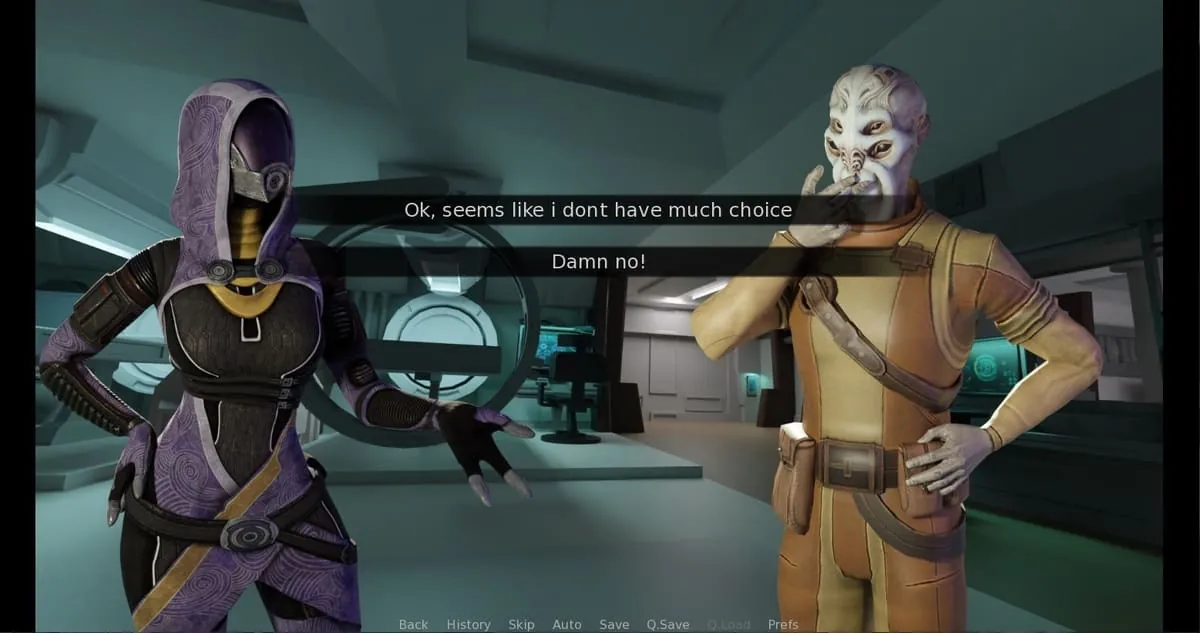
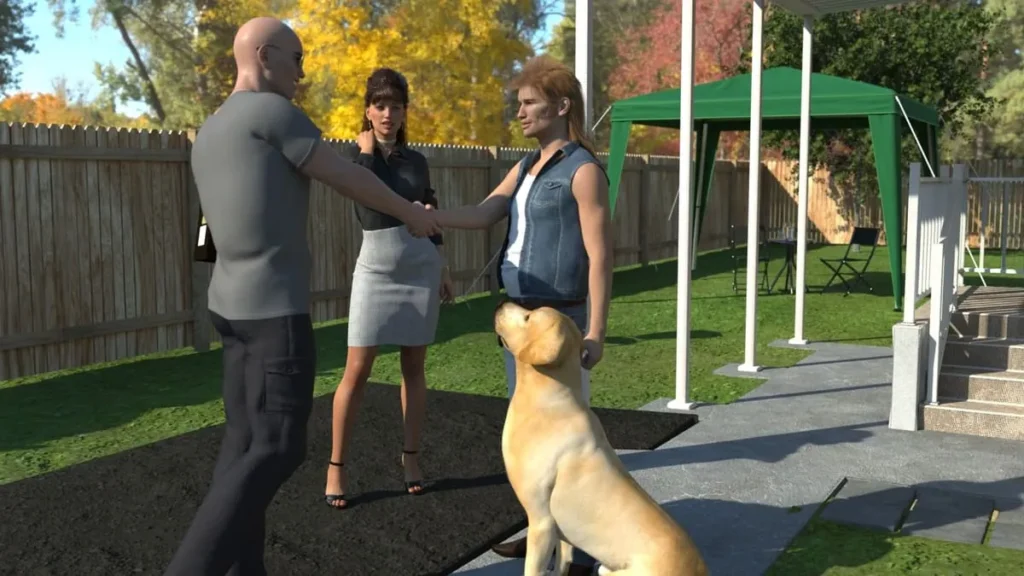
Long Road Home Screenshots

























Long Road Home review
In-depth walkthrough, mechanics, scenes and player tips for Long Road Home
Long Road Home is an adult-targeted interactive game that blends narrative choices with scene-driven content; this article dives into its mechanics, story branches, and practical tips to help players progress and experience the content they want. In this guide to Long Road Home you’ll find a clear walkthrough of key chapters, explanations of core systems, decision-impact mapping, and hands-on advice based on playthroughs. Whether you’re exploring multiple romance paths, aiming for specific scenes, or troubleshooting installation and save issues, this piece will walk you through each step with personal insights and actionable recommendations.
Gameplay Overview and Core Mechanics
So, you’ve heard about Long Road Home and you’re curious about what it really is. Maybe a friend recommended it, or you stumbled upon some captivating fan art. Whatever brought you here, welcome! 🙌 This isn’t your typical game; it’s a deeply personal, choice-driven narrative experience. Think of it less as a “game” you win and more as an interactive story you live. Your decisions shape everything—from lifelong friendships to bitter rivalries, and every heartfelt or heartbreaking moment in between.
This guide is your friendly companion for that journey. We’ll break down exactly what Long Road Home is, who it’s perfect for, and most importantly, how its brilliant systems work under the hood. We’ll also tackle the practical stuff—getting it installed, keeping your saves safe, and making sure it runs smoothly. Let’s get started!
What is Long Road Home and who is it for?
At its heart, Long Road Home is a visual novel built around relationships and consequences. You play a character returning to their hometown after many years away, a premise ripe with history, unresolved tensions, and new beginnings. The Long Road Home game overview is simple to grasp but complex in execution: navigate your return, reconnect with old friends and family, and steer the course of your future through every dialogue choice and action.
The tone can shift from warmly nostalgic to intensely dramatic, all depending on your path. It’s a game for players who love to read, to empathize, and to see a story branch and change because of their input. If you enjoy getting lost in characters, wondering “what if I’d said something different?”, and replaying to uncover every secret scene, then this is absolutely for you. It’s not about reflexes or puzzles; it’s about emotional investment and narrative payoff.
I remember on my first playthrough, I was overly cautious with a character named Leo, a old friend who seemed a bit guarded. I chose what I thought were safe, polite responses. Big mistake. 😅 By mid-game, our relationship was so lukewarm that a crucial scene where he opens up about a family crisis simply never triggered. I got a completely different, much more superficial version of events. It was a powerful lesson: in Long Road Home, there are no “neutral” choices. Every interaction pushes you toward or pulls you away from someone.
Core mechanics: choice, stat systems and scene triggers
Now, let’s dive into the engine that makes this all tick: the Long Road Home mechanics. Understanding these is the key to shaping your ideal story.
How do choices work in Long Road Home?
This is the core of the experience. Every significant dialogue option or action is logged by the game’s internal tracking system. These aren’t just binary “good/bad” picks. Instead, they influence invisible relationship values and set permanent story flags. A choice might simultaneously raise your “Affection” with one character while lowering your “Trust” with another and triggering a flag called “Learned_About_Incident.” The game remembers everything, often referencing tiny choices chapters later.
The Invisible Stat Systems
While you won’t see a traditional HUD with numbers, your progress is governed by several key metrics. The two most common are:
* Affection/Romance: Tracks your closeness with romanceable characters.
* Reputation/Trust: A broader measure of how the community or specific groups perceive you.
These values exist on a scale, and reaching certain thresholds is what unlocks special scenes, confession moments, or even arguments. There’s no way to see these numbers directly, which encourages organic play, but it means your save file is precious—it’s the only record of your unique stat build.
Unlocking Scenes and Endings
Scenes and endings are gated behind these stat thresholds and specific flag combinations. To see a character’s private scene in Chapter 4, you may need both a high enough Affection score and to have chosen a specific supportive option back in Chapter 1. Endings work the same way. The “good” ending with a character isn’t about making all “nice” choices; it’s about consistently making choices that align with their values and needs throughout the entire story.
Pro Tip: If you’re aiming for a specific route, be consistent in your personality. Characters respond to patterns, not one-off grand gestures.
To help visualize how these systems might interconnect, here’s a simplified example:
| Your Choice (Chapter 2) | Immediate Effect | Hidden Stat Change | Potential Long-Term Trigger (Chapter 5) |
|---|---|---|---|
| Side with Maya in an argument. | Maya thanks you. Alex looks disappointed. | Maya Affection +5, Alex Trust -3, Flag “Sided_With_Maya” set. | Unlocks a supportive scene with Maya if her Affection > 40. Alex may refuse to help you. |
| Try to mediate the conflict. | Both seem slightly frustrated. | Maya Affection +1, Alex Trust +1, Flag “Tried_To_Mediate” set. | Unlocks a unique group scene where both characters are present, requiring a balanced reputation. |
| Walk away from the argument. | Both characters are upset with you. | Maya Affection -3, Alex Trust -3, Flag “Avoided_Conflict” set. | May lock you out of both characters’ deeper storylines until you make a major amends later. |
Installation, compatibility and save management
Alright, you’re sold on the story and the systems. Now let’s get the game onto your machine and make sure your precious progress is safe. This Long Road Home installation and setup process is usually smooth, but a little know-how goes a long way.
Long Road Home Platform Compatibility
First, where can you play? Long Road Home is primarily a PC game, built to be accessible. Here’s the typical Long Road Home platform compatibility breakdown:
| Platform | Status | Notes & Common Issues |
|---|---|---|
| Windows (10/11) | Fully Supported ✅ | The primary platform. Runs best here. |
| Linux (via Proton/Wine) | Community Reported ✅ | Often runs well, but check community forums for specific distro tips. Save file location differs. |
| Mac | Not Officially Supported ❌ | May require third-party compatibility layers or virtual machines. Performance is not guaranteed. |
Getting It Running & Avoiding Pitfalls
The standard Long Road Home installation from official sources is straightforward: download, run the installer, and follow the prompts. However, players often run into two issues:
- The game won’t launch after an update. This is frequently caused by outdated mods or community loaders. If you use any, disable them first. Then, try verifying the game files through your distribution platform (like itch.io’s client) or re-running the official installer to repair any broken files.
- Save files won’t load or appear corrupted. This is the worst! 😱 It’s often due to anti-virus software incorrectly quarantining a file, or manually editing a save. Always exclude your game folder from real-time scans.
This brings us to the most crucial advice: Long Road Home saves backup. Your save file is your story. Losing it means losing all those nuanced choices. Here is your essential, step-by-step safety routine:
- Locate Your Saves: First, find them! They are usually in a folder in your user directory, like
AppData\Roaming\RenPy\LongRoadHomeon Windows. - The Manual Method: Simply copy the entire game save folder and paste it to a backup location (like Google Drive, Dropbox, or a separate hard drive) after every significant play session. I name mine with dates, e.g.,
LRH_Backup_Oct26. - Automate It (Recommended): Use a free tool like FreeFileSync to set up a one-click sync between your save folder and your backup location. Set it and forget it—peace of mind achieved.
- Pre-Update Ritual: Always make a fresh backup before applying any game update or adding new mods.
By understanding the rich Long Road Home mechanics and taking simple steps to protect your progress, you’re free to fully immerse yourself in the story. The Long Road Home game overview promises a journey shaped by you, and with these tools, you’re equipped to make that journey exactly what you want it to be. Now, go start your journey down that long road. Your story is waiting. ✨
This guide to Long Road Home equips you with an overview of the game’s systems, a practical walkthrough of core branches, character-focused strategies, and safe modding and replay tips drawn from hands-on play. Use the act-based walkthrough and the character trigger lists to plan runs and protect your progress with disciplined save management. If you enjoyed this guide, try the recommended save-slot method and community resources to expand your routes; share your results and discoveries in community hubs to help other players find rare scenes.